Work smarter, move faster, and achieve more with AI-driven efficiency across your workflows.
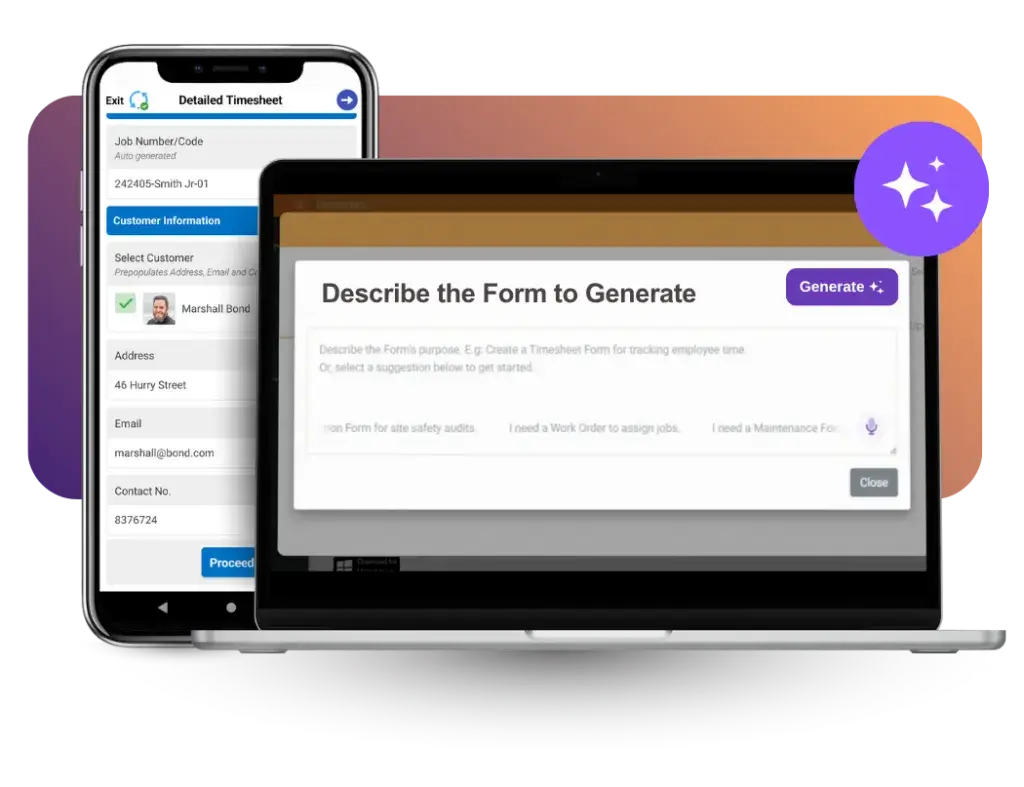
AI-Powered Form Creation
Generate complete forms in seconds by describing what you need using text or voice, with pre-configured fields that help you launch solutions faster.
Conversational AI Assistant
Use natural language to update designs, add fields, or get formula support while building powerful solutions faster.
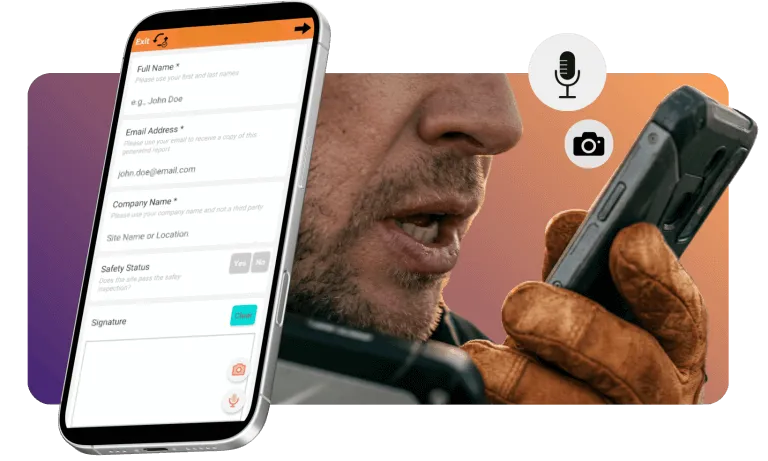
AI Voice Input
Capture data hands-free— with gloves on or in motion—while AI filters background noise and automatically fills text, dates, and dropdown fields.
AI Photo Capture
Snap a photo of any document and let AI instantly extract and map data directly into your fields—eliminating double-entry and ensuring complete accuracy.
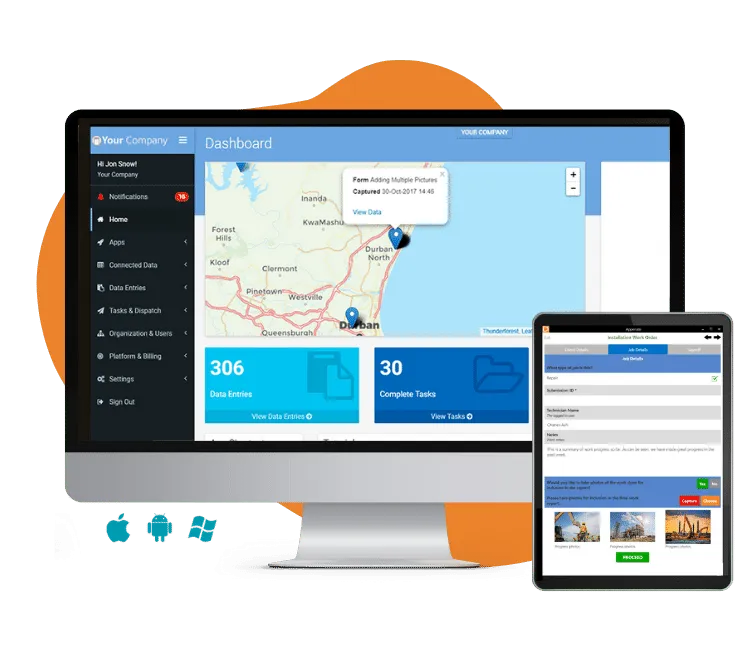
Go Paperless with Mobile Apps
$90 for 90 Days (Save 89%)
Streamline your processes with 90 days of BizAppsPro for just $90. Enjoy full access, plus free support and training.
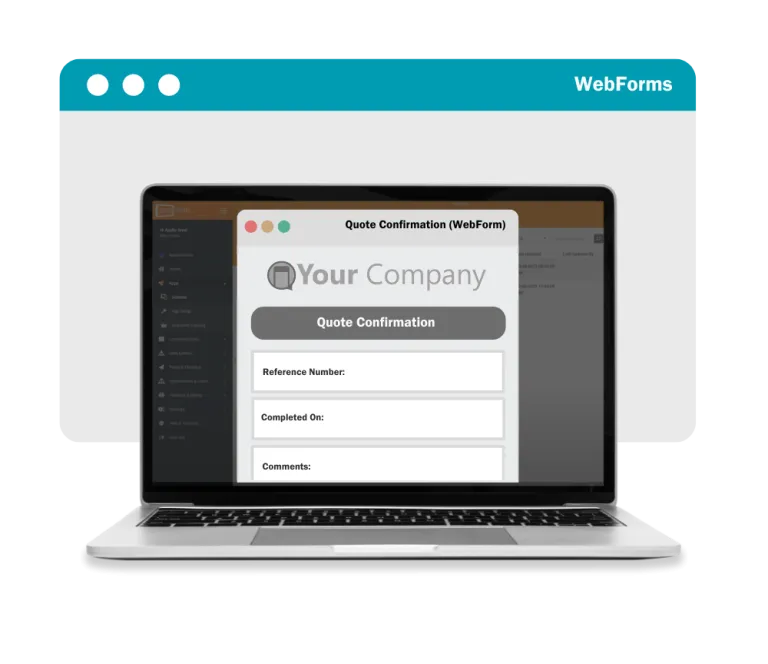
WebForms: Now Anyone, Anywhere Can Complete Your Forms
Our powerful new add-on, WebForms, enables you to create and send functional Appenate apps to ad hoc users for completion via their web browser.
For example, a tradesman performing your annual machinery service can now complete your safety survey form via a web browser on his mobile device, without installing the Appenate app. This opens up a multitude of new possibilities for you as an Appenate customer, without worrying about one-time license fees.
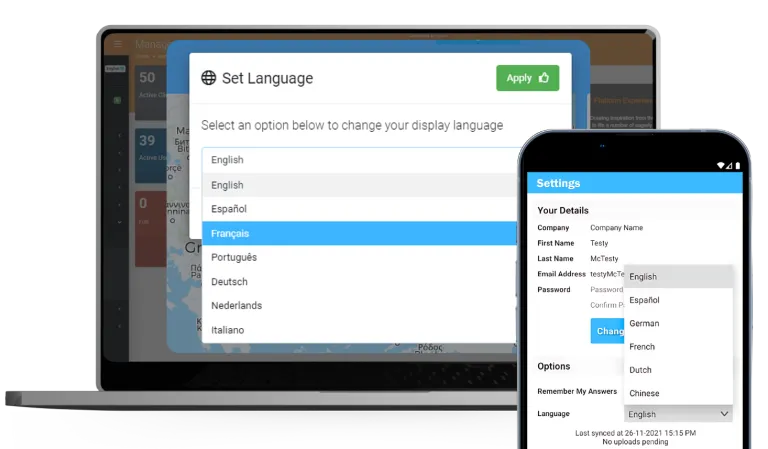
Our Form Designer lets you create flexible, multilingual forms that support swift switching between languages.
Our Branded Apps and Web Portal extend this capability, ensuring your team stays on the same page regardless of their location or preferred language
Contactless Signature Capture
By using any modern smartphone’s camera, your client simply scans the QR code and navigates to the webpage. They sign on their device and the digital signature is transferred back to the employee’s phone – no touch at all.
Capturing Those Vital Signatures – With No Physical Contact Or Device Exchange.
Scan NFC Without Button Press
Scan NFC tags without a button press on each scan.
location history of users
Know where your team is & what they’re working on.
Comments on Screen Fields
The ability to leave notes for yourself & team in our various Screen designers.
REST Field
Pull data from any API, directly into your apps. Issue a REST request in JSON or XML to an external web service.
On Device Printing Support
App users can print completed Form entries directly from Android, iOS and Windows devices – even when offline.
Watermarking of Images
Add dynamically generated text as a watermark on images, or chosen via a Media file, during a Form entry.
Data Output Templating
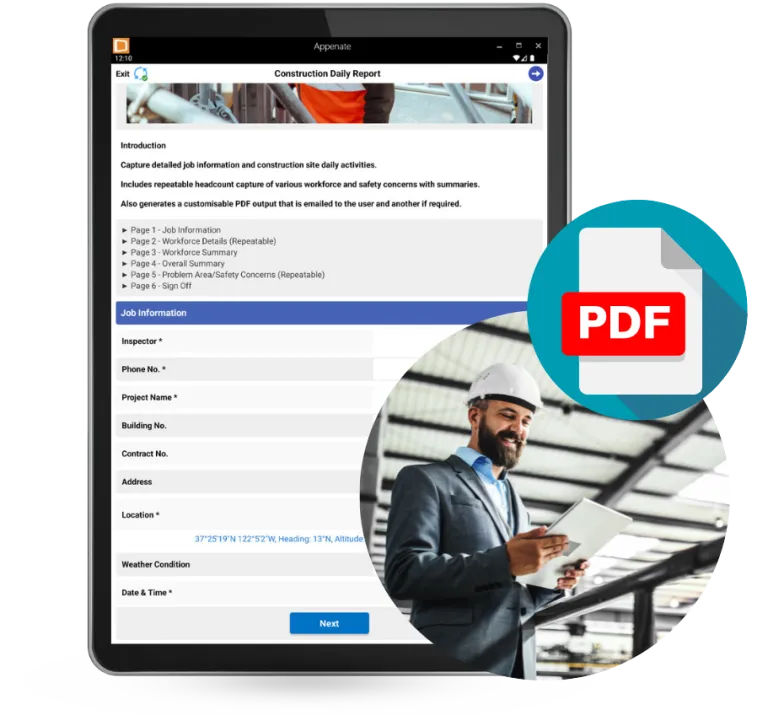
Appenate gives you the power to create highly customized PDF outputs that replicate your existing forms, without any hidden fees.
Unlike our competitors, who often charge for deep customization, we allow you to fully control every aspect of your output template design.
Need To Get Going Fast?
Book a Demo
Work directly with a BizAppsPro specialist to build your first app—hands-on support included!
Create or maintain an effective barcoding system with Appenate and your favourite external barcode reader – and allow for fast scans from a huge database.
Our added support for external barcode scanners can handle databases with as many as 50 000 individual items (we’ve tested it ourselves). Information held in the database passes seamlessly through the system in split second, allowing you to scan more items, faster.
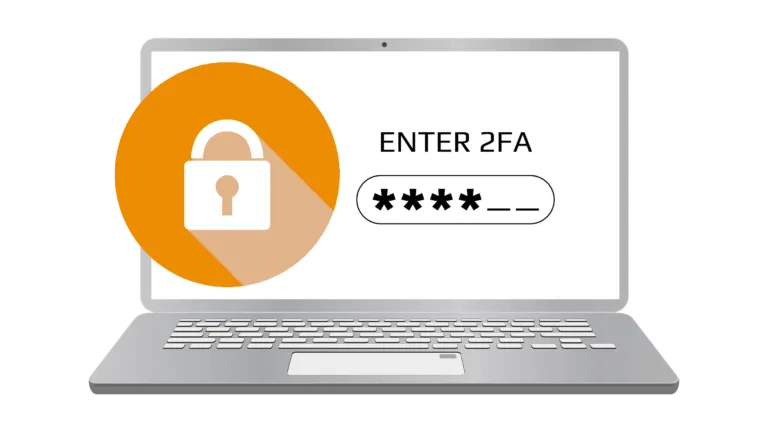
Upgrade Security With 2FA & TOTP
The double layer of security that 2 Factor Authentication (2FA) offers you is invaluable. It makes unauthorized access to your account more difficult for better protection against spoofing and hacking attempts.
OCR Field Type
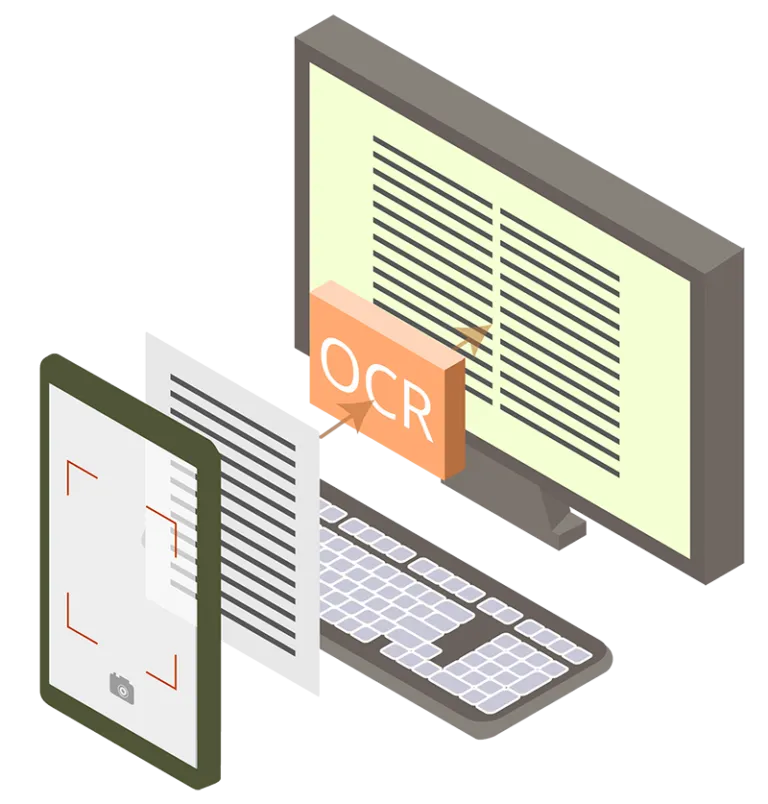
Adding an Optical Character Reader (OCR) Field to your Form can help increase data accuracy with automatic text extraction.
Using the OCR Field in a Form, you can take a photo of a page containing text. The OCR will automatically extract any text (hand-written or printed) that it can recognize.
QR Code Field Type
Dynamically generate QR codes based on data captured in your Forms.
Are you ready to make Health & Safety Inspections EASIER, FASTER & FULLY COMPLIANT?
Get Instant Access to 120+ Health & Safety Mobile Apps
FREE for 14 Days. Full Access. No Credit Card Required. Free Support
Adding an Optical Character Reader (OCR) Field to your Form can help increase data accuracy with automatic text extraction.
Using the OCR Field in a Form, you can take a photo of a page containing text. The OCR will automatically extract any text (hand-written or printed) that it can recognize.
Geolocation & GPS Tagging For Field Teams
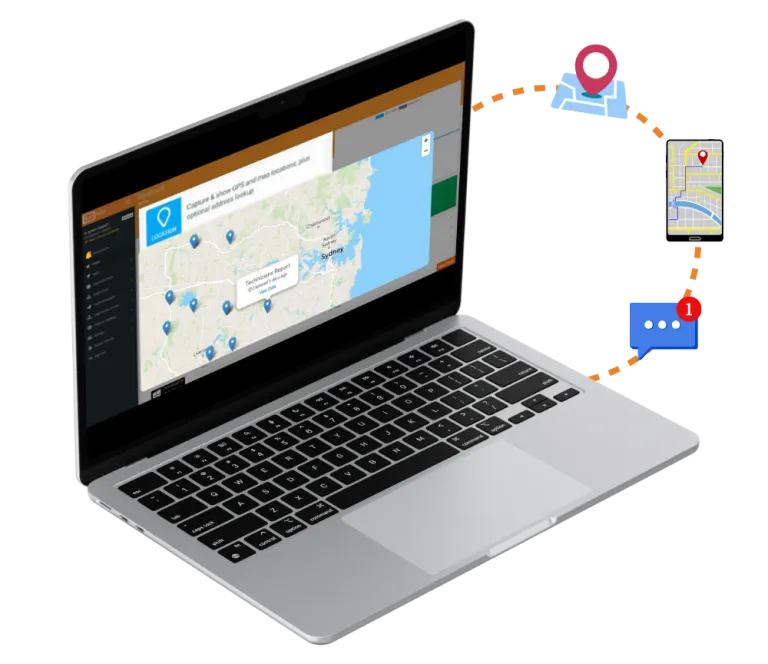
With built-in GPS tagging, pin creation & map overlays, field teams can easily locate their work sites, mark completed tasks, & share location data in real time.
Appenate can hook into external GIS platforms for advanced mapping & spatial analysis, offering greater flexibility and integration for your geospatial needs. This is made possible through our open architecture, which allows for seamless integration with REST APIs, ensuring you can easily connect to the tools & platforms you rely on.
We Play Well With Others
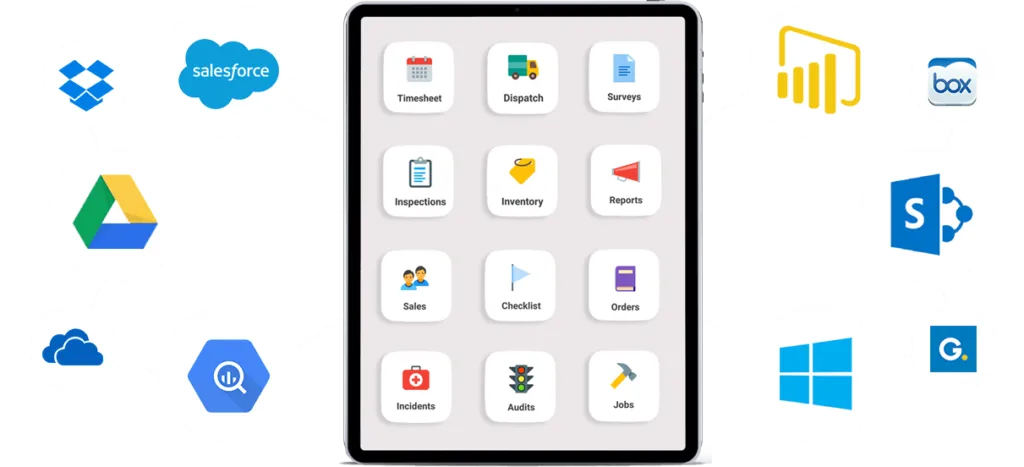
Our pre-built Data Source and Form Connectors enable data to be pushed to and from other systems. Use Appenate Sync to automatically synchronize data between the platform and a local MS SQL Server database on your own system.
SQL Server Connectors
Insert Form entry data as rows into a SQL Server database. Push data from Forms & to a Microsoft SQL Server database.
Snowflake Connector
Push & pull data from a Snowflake database for better data storage, processing & analytics solutions.
Google BigQuery
Plug data from BigQuery tables into data sources and push data to BigQuery via Form & Task Connectors.